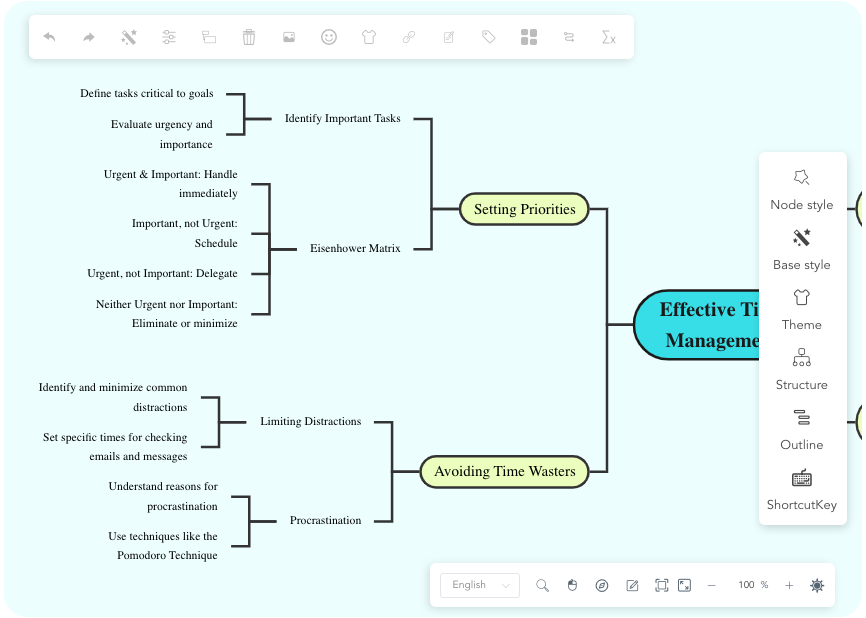
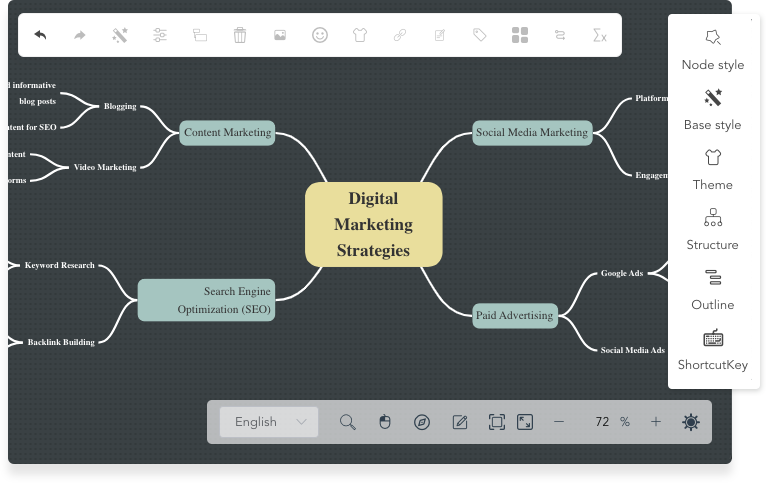
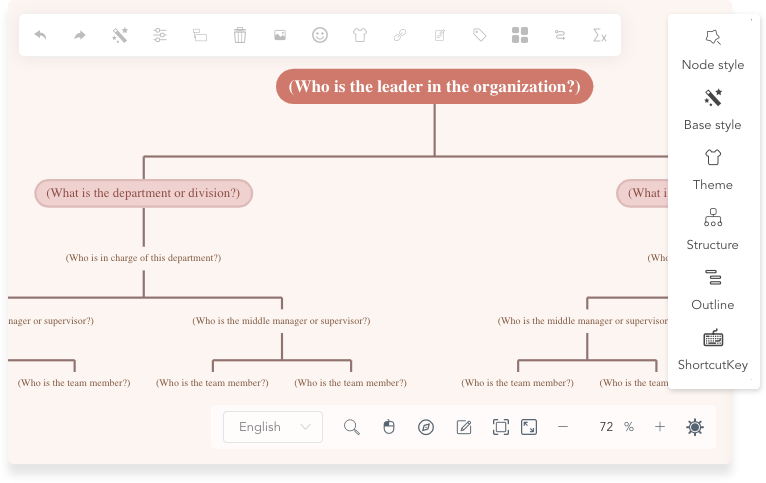
Ever feel like your brain is a tangled mess of ideas, and you need a way to untangle them? Enter the AI-Powered Markmap Studio by Visual Paradigm. This isn’t your average mind mapping tool—it’s a game-changer that turns plain text into stunning, interactive diagrams in real-time. With just a few lines of Markdown, you can create a visual masterpiece that helps you organize, brainstorm, and present your ideas like a pro. Let’s dive into how this powerful tool works and why it’s a must-have for anyone who thinks visually.
Quick summary
- AI-Powered Markmap Studio transforms text into visual mind maps instantly.
- It uses Markdown syntax to structure your ideas, making it easy to edit and organize.
- Features like AI generation and real-time preview make brainstorming fast and intuitive.
- Perfect for students, writers, project managers, and anyone who needs to visualize complex information.
First, let’s take a look at what the AI-Powered Markmap Studio actually looks like. The interface is a split-screen wonder, with the code on the left and the visual mind map on the right. This setup is pure magic because you can see your ideas come to life as you type. The left side shows the raw Markdown text, while the right side displays the beautifully rendered mind map. It’s like having a real-time visual feedback loop that helps you refine your thoughts on the fly.
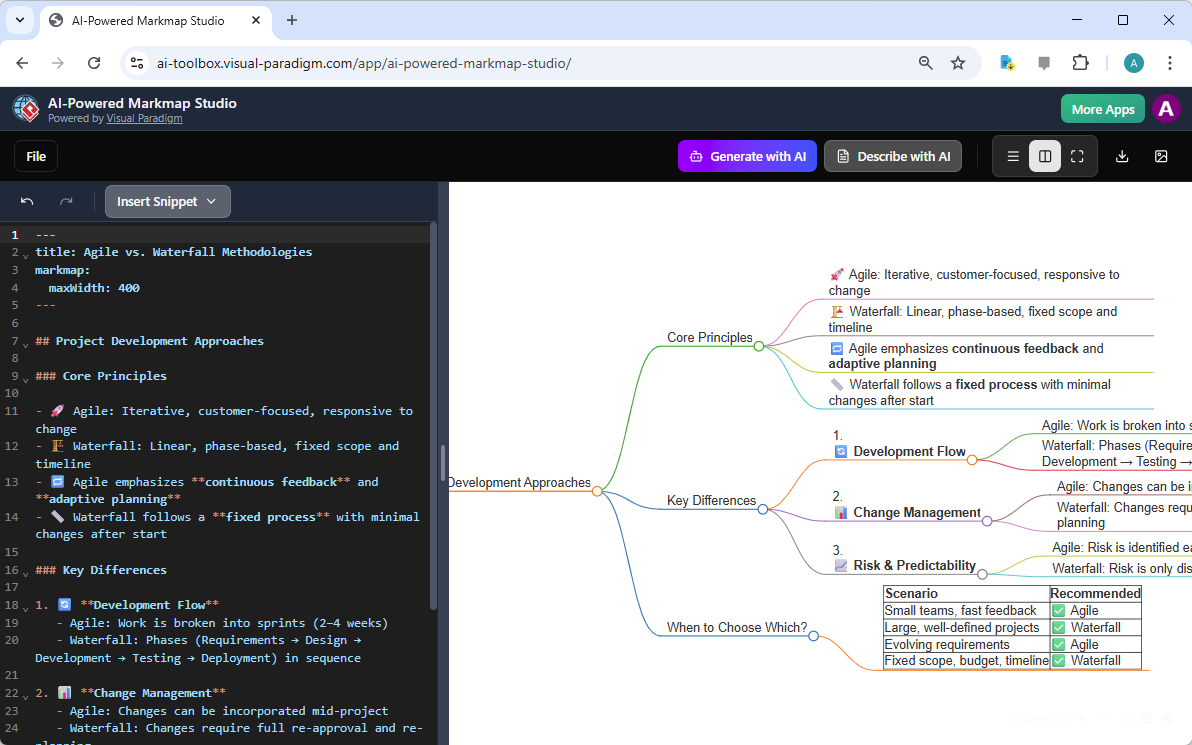
But what makes this tool truly special? It’s the AI-Powered Markmap Studio‘s ability to generate mind maps from simple text prompts. Imagine you’re brainstorming a new project and you’re stuck. Instead of staring at a blank page, you can just tell the AI what you want. For example, if you type in “Agile vs. Waterfall Methodologies,” the AI will generate a comprehensive mind map with all the key points, subtopics, and even a table comparing the two approaches. It’s like having a research assistant at your fingertips.
Another cool feature is the Describe with AI button. After you’ve created your mind map, you can click this button and the AI will generate a natural language summary of your entire diagram. This is super helpful for creating executive summaries or explaining your ideas to others. It’s like having a second brain that can articulate your thoughts in a clear and concise way.
But the real power of the AI-Powered Markmap Studio lies in its flexibility. You can use it for a wide range of tasks, from organizing your study notes to outlining a new blog post. The tool supports many different visual styles and syntaxes, including tables, checkboxes, and emojis. This means you can customize your mind maps to fit your needs and make them more engaging.
Let’s talk about how to get started. The process is super simple. First, you open the AI-Powered Markmap Studio and you’ll see the split-screen interface. On the left, you have the Markdown editor, and on the right, you have the visual preview. You can start by typing in your topic, like “Project Development Approaches,” and then use headings and bullet points to structure your ideas. As you type, the mind map on the right updates in real-time, so you can see how your ideas are taking shape.
One of the best things about this tool is that it’s designed for collaboration. You can save your projects to the cloud and share them with a link. This means you can get feedback from your team or present your ideas to clients without any hassle. Plus, you can export your mind maps as high-quality SVG images or Markdown files, so you can use them in other documents and presentations.
So, why should you use the AI-Powered Markmap Studio? Because it’s a powerful tool that helps you organize your thoughts, brainstorm new ideas, and present your work in a visually appealing way. Whether you’re a student, a writer, a project manager, or a developer, this tool can help you work more efficiently and effectively.
Ready to give it a try? Click the link below to start using the AI-Powered Markmap Studio and see how it can transform the way you work.
Try the AI-Powered Markmap Studio Now
Related Links
- AI-Powered Markmap Studio – Visual Paradigm: A tool that leverages artificial intelligence to generate interactive mind maps from structured Markdown input.
- AI-Powered Markmap Studio – Visual Paradigm AI Toolbox: An AI-driven application enabling users to create dynamic, visual mind maps from plain text using intelligent Markdown parsing.
- AI-Powered Markmap Studio Review: Visualizing Ideas with Markdown and AI: A comprehensive review of AI-powered Markmap Studio, highlighting its ability to transform Markdown into visual mind maps using artificial intelligence.
- Visual Paradigm Announces AI-Powered Markmap Studio Launch: Official news release announcing the launch of Visual Paradigm’s AI-powered Markmap Studio, a tool for intelligent visual idea mapping.
- The Comprehensive Guide to AI-Powered Markmap Studio: Revolutionizing Mind Mapping with Markdown: A detailed guide explaining how AI-powered Markmap Studio transforms Markdown into dynamic, interactive mind maps for enhanced idea organization.
- Transforming Ideas into Visuals: The Complete Guide to AI-Powered …: Visual Paradigm has officially launched its latest innovation: AI-Powered Markmap Studio. This revolutionary web application is set to transform the landscape of visual brainstorming by combining the simplicity of Markdown editing with the generative power of Artificial Intelligence.
- Content & Visual Archives – Visual Paradigm Product Updates: Content & Visual Introducing AI-Powered Markmap Studio: The Ultimate AI Mind Map Generator and Markmap Tool December 22, 2025